
Best SaaS Comparison Page Examples
Study 10 comparison pages that capture high-intent traffic and convert readers. Covers "vs" pages, alternative pages, and comparison matrix formats.
💡 Key Takeaway
Study 10 comparison pages that capture high-intent traffic and convert readers. Covers "vs" pages, alternative pages, and comparison matrix formats.
Comparison pages are one of the highest-converting content types in SaaS -- and one of the most poorly executed. Done wrong, they're thinly disguised ads. Done right, they're a service to buyers who are genuinely trying to make a decision.
The best comparison pages work because they respect the buyer's intelligence. They acknowledge what competitors do well, explain honestly where the differences lie, and give the reader enough information to make a confident decision -- ideally, but not necessarily, in your favor.
These 10 real comparison pages show the spectrum of approaches, from transparently biased to genuinely useful, with an analysis of what works.
1. Linear vs. Jira -- Linear's Own Comparison
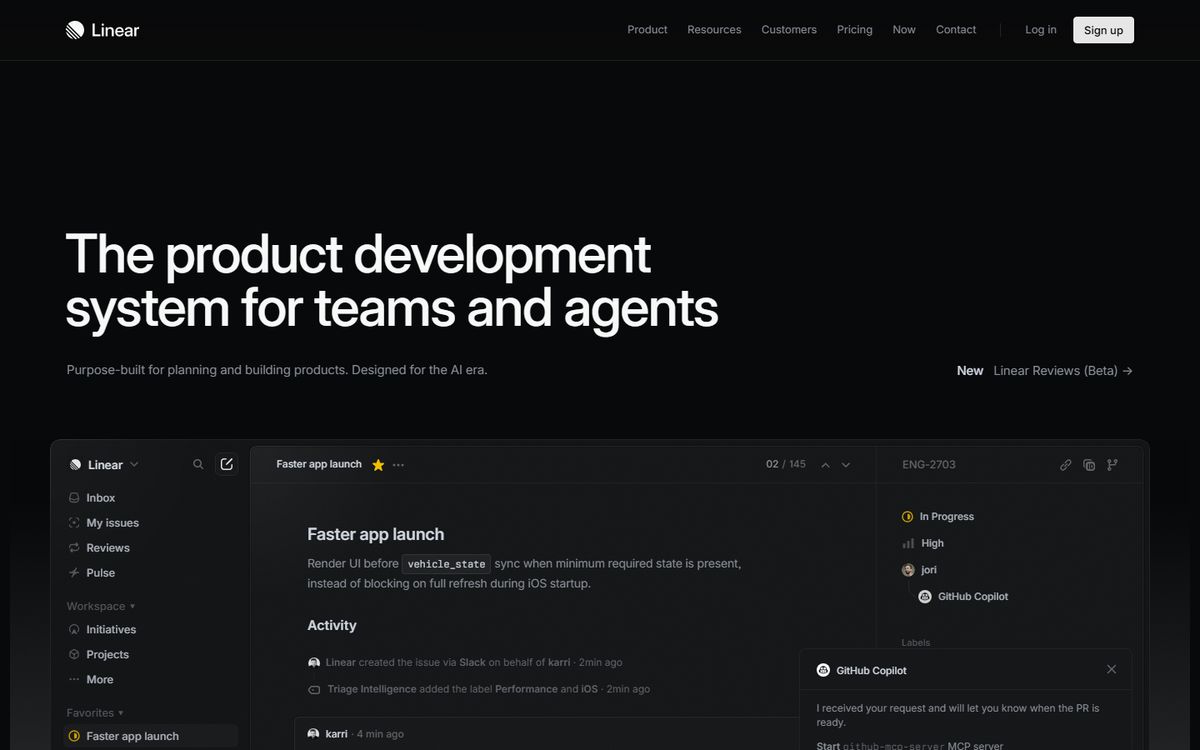
URL: linear.app/vs/jira
What it does: Linear's comparison page directly targets people searching "Linear vs Jira" or considering both tools. Rather than a feature table that falsely equalizes both products, Linear leads with their core value proposition: speed, design quality, and developer happiness.
Why it works:
- Honest about tradeoffs: Linear acknowledges that Jira has capabilities they don't (extensive customization, enterprise compliance features). This honesty builds immediate credibility.
- Visual comparison: Screenshots of both interfaces side-by-side let the design speak for itself. Linear's UI is clearly better looking -- showing rather than arguing is more persuasive.
- Customer testimonials from Jira refugees: Quotes from customers who migrated from Jira ("We went from hating sprint planning to actually looking forward to it") are more powerful than product claims.
The conversion mechanic: "Start your migration" CTA -- anticipating that the reader is already considering a switch and making the path obvious.
2. Notion vs. Confluence -- Notion's Competitor Comparison
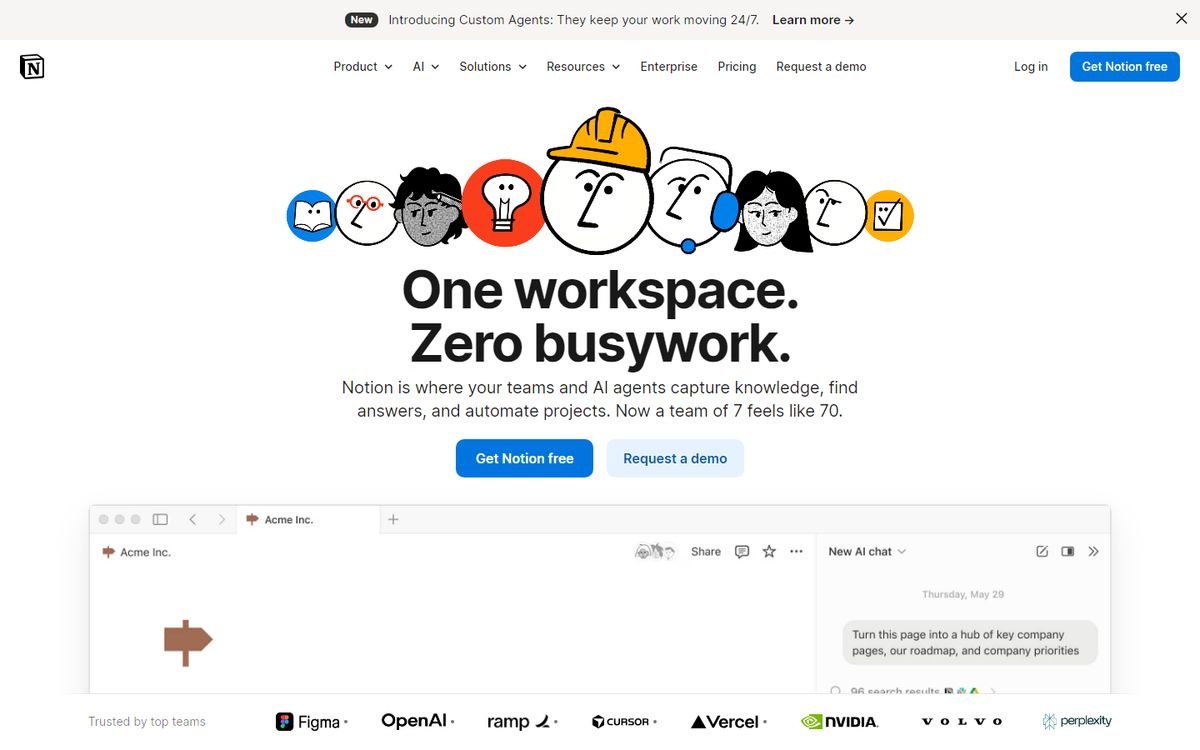
URL: notion.so/compare/notion-vs-confluence
What it does: Targets the large audience of teams who use Confluence (Atlassian's wiki) and are frustrated with it. Notion's comparison is explicitly positioned for teams considering a switch.
Why it works:
- Pain-focused opening: Starts by naming the specific frustrations with Confluence (slow, hard to organize, ugly) rather than listing Notion features. If you've experienced those frustrations, you immediately feel understood.
- Use case framing: Shows specific scenarios -- meeting notes, project wikis, team documentation -- with Notion's approach contrasted against Confluence's.
- Migration path: Includes a section on how to move your content from Confluence to Notion, reducing the friction of switching.
What it could do better: The page is more persuasive than honest -- it doesn't acknowledge any scenarios where Confluence is a better fit (very large enterprise teams with existing Atlassian infrastructure, for example). Pure advocacy eventually undermines trust.
Averi automates this entire workflow
From strategy to drafting to publishing — stop doing it manually.
3. Ahrefs vs. Semrush vs. Moz -- Third-Party Comparison by G2
URL: g2.com/compare/ahrefs-vs-semrush-vs-moz
What it does: Review platforms like G2, Capterra, and Trustpilot aggregate user reviews and create comparison pages that neither company controls.
Why it works:
- Third-party credibility: Buyers trust comparison sites more than vendor-owned comparison pages because they have no incentive to favor one product.
- Review-backed ratings: Each category rating (ease of use, customer support, value for money) is derived from actual user reviews, not editorial judgment.
- Side-by-side feature matrix: Detailed feature comparisons across 50+ attributes give buyers a functional evaluation tool, not just a narrative.
The takeaway for vendors: You cannot control G2 comparisons, but you can influence them. Actively encouraging happy customers to leave detailed reviews improves your scores and shapes the narrative. Ignoring G2 while your competitors optimize for it is a costly mistake.
4. HubSpot vs. Salesforce -- HubSpot's CRM Comparison

URL: hubspot.com/products/crm/hubspot-vs-salesforce
What it does: HubSpot's comparison directly addresses the most common objection in their sales process: "Should we just use Salesforce?"
Why it works:
- Target buyer is the subtext: "HubSpot vs. Salesforce" is searched by companies that are growing and evaluating their first enterprise CRM. HubSpot's page speaks directly to this decision moment.
- Price transparency: HubSpot explicitly shows the cost difference (Salesforce can cost 3-5x more with implementation and customization). Price transparency is powerful when you're the more affordable option.
- Implementation timeline comparison: "HubSpot takes days to implement, Salesforce takes months" is a claim backed by case studies. For fast-moving companies, implementation time is a decisive factor.
What makes it honest: HubSpot acknowledges Salesforce's strengths in enterprise customization and admits "if you have a highly complex enterprise with deeply customized workflows and thousands of users, Salesforce may be the right choice." This restraint builds trust.
5. Webflow vs. WordPress -- Webflow's Developer Comparison
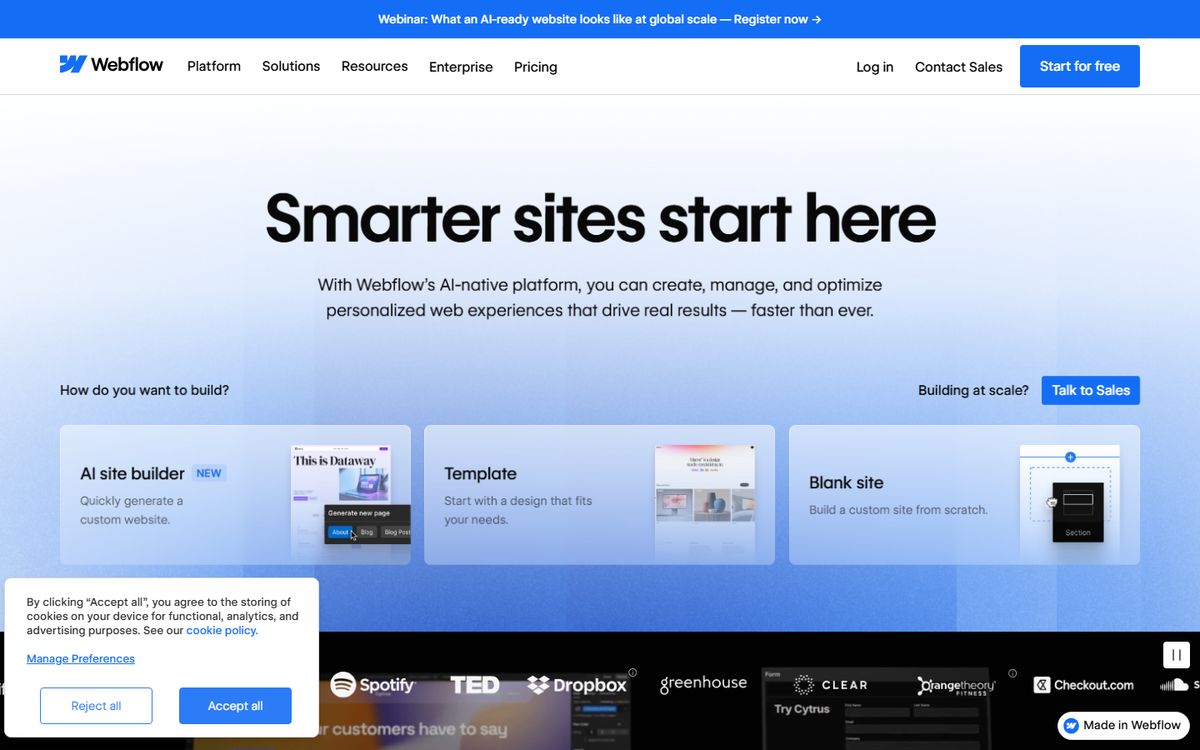
What it does: Targets the enormous audience of WordPress users who are frustrated with WordPress's complexity, plugin bloat, or maintenance burden.
Why it works:
- Pain-aware opening: Starts with specific WordPress frustrations: security updates, plugin conflicts, performance issues. WordPress users recognize these pains immediately.
- Visual product demo embedded: The comparison page includes a Webflow demo video showing how simple website building can be. The contrast with WordPress's visual editor is implicit but powerful.
- SEO parity claim: Directly addresses the "WordPress is better for SEO" objection with technical evidence that Webflow generates clean, SEO-friendly markup.
The challenge this type of comparison faces: WordPress has an enormous community. Any negative framing risks alienating users who love WordPress's ecosystem. Webflow navigates this by framing the comparison as "Webflow is different, here's what that means" rather than "WordPress is bad."
Build your content engine with Averi
AI-powered strategy, drafting, and publishing in one workflow.
6. Zoom vs. Google Meet vs. Microsoft Teams -- Business Insider / PCMag Reviews
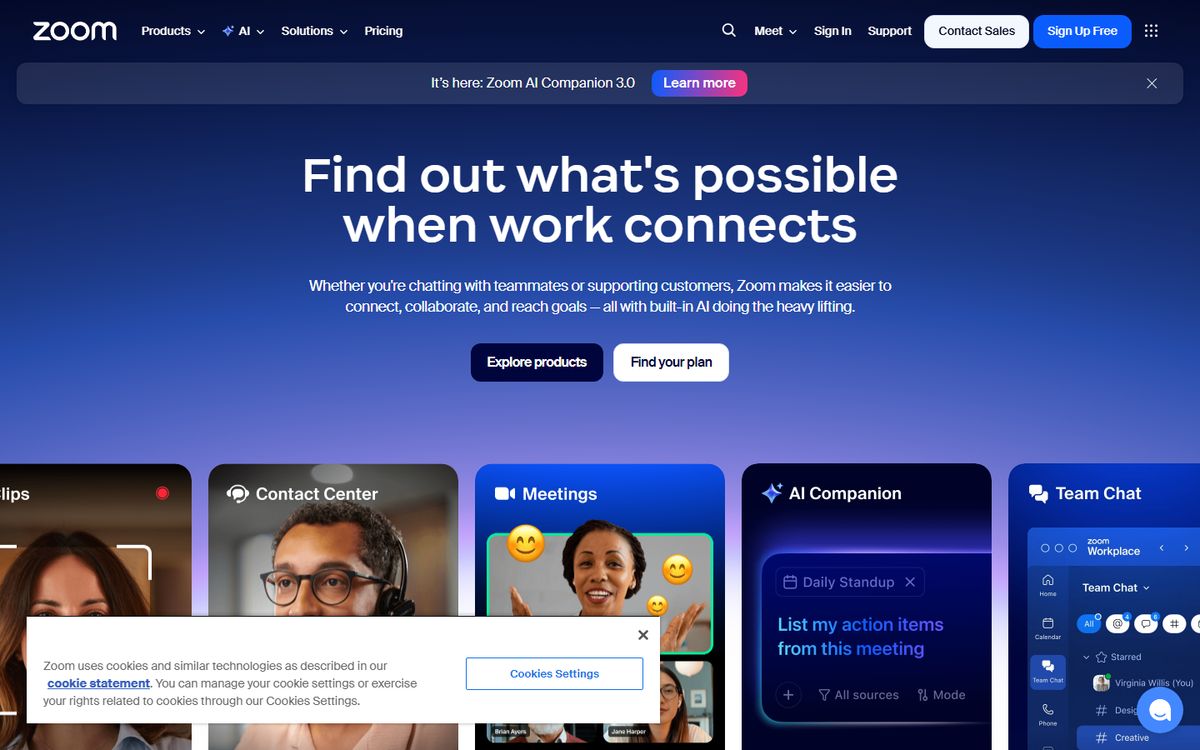
What independent comparison sites do differently: Business publications and tech review sites (The Verge, TechRadar, PCMag) publish software comparisons that are independent editorial reviews, not vendor comparisons. These articles often rank as highly as vendor pages for "[Tool A] vs [Tool B]" queries.
Why they work:
- Actual testing: Review sites use all three products and report on real experience, not feature sheets.
- Scoring rubrics: Categories like audio quality, ease of use, pricing value, and integration breadth are evaluated consistently.
- Regular updates: Review sites update comparisons when products add features or change pricing, maintaining ranking relevance.
The takeaway: Getting your product favorably reviewed on PCMag, TechRadar, or similar publications is a legitimate alternative to building comparison pages yourself. PR strategy can influence comparison rankings just as content strategy can.
7. Calendly vs. Acuity Scheduling -- Acuity's Comparison
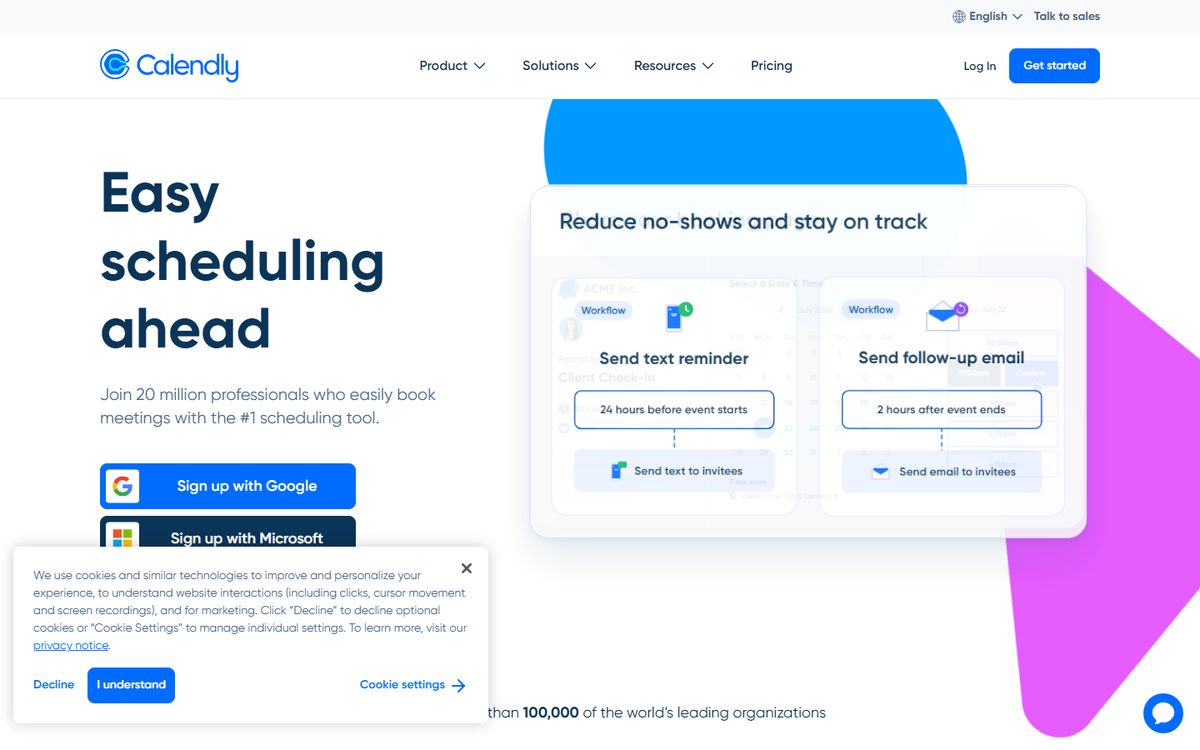
URL: acuityscheduling.com/acuity-vs-calendly
What it does: Acuity (now part of Squarespace) targets Calendly users looking for an alternative -- a segment that has grown as Calendly has increased prices and reduced free tier features.
Why it works:
- Specific feature advantages: Acuity identifies specific categories where they are clearly superior (intake forms, payment collection at booking, client portals) and leads with those.
- Pricing transparency: Acuity directly compares the pricing of both products at equivalent feature levels, presenting themselves as better value.
- Use-case segmentation: "If you're a solo freelancer, Calendly's free tier works. If you need intake forms, payments, and packages, you've outgrown it." This honest segmentation tells readers whether they need to switch.
What makes it useful: The page helps some readers realize they should stay with Calendly, not switch. This willingness to filter for the right customer builds trust with everyone else.
8. Figma vs. Sketch -- Figma's Competitor Comparison
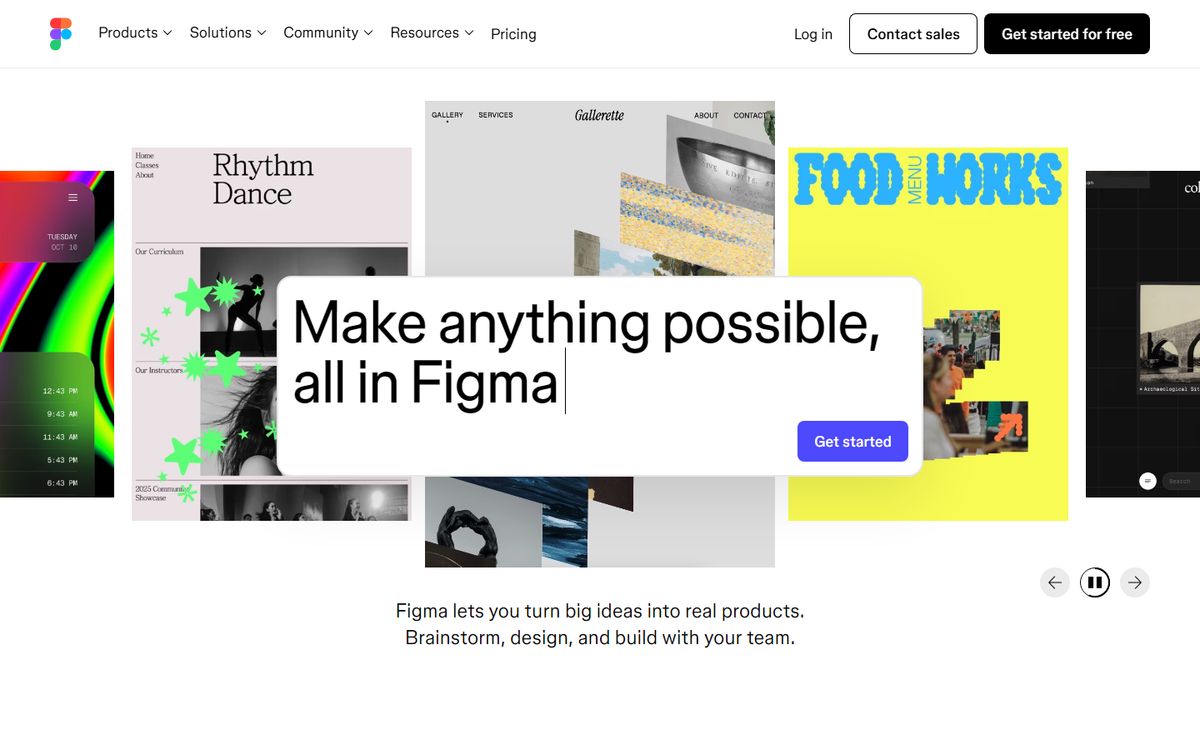
URL: figma.com/figma-vs-sketch
What it does: When Figma launched, Sketch was the dominant design tool. Figma's comparison page directly targeted Sketch users and made the case for browser-based, real-time collaborative design.
Why it works (especially in retrospect):
- Lead with the key differentiator: Figma's entire comparison is built around one irreducible advantage -- real-time collaboration, which Sketch (a Mac-only local app) fundamentally cannot replicate. Rather than competing across 50 features, Figma led with the one that mattered most.
- The "also on Windows" point: Figma works in a browser, meaning Windows users (the majority of the workforce) could use it. This single point made Figma relevant to teams that could never use Sketch.
- Migration support: Figma offered free Sketch file import, removing friction from switching.
The historical context: Figma's comparison page was a strategic document -- it helped reframe the category from "design tools" to "collaborative design tools," a category Figma dominated. The comparison page is as much a category creation document as a product marketing page.
Ready to put this into practice?
Averi turns these strategies into an automated content workflow.
9. Zapier vs. Make (formerly Integromat) -- Third-Party Roundup
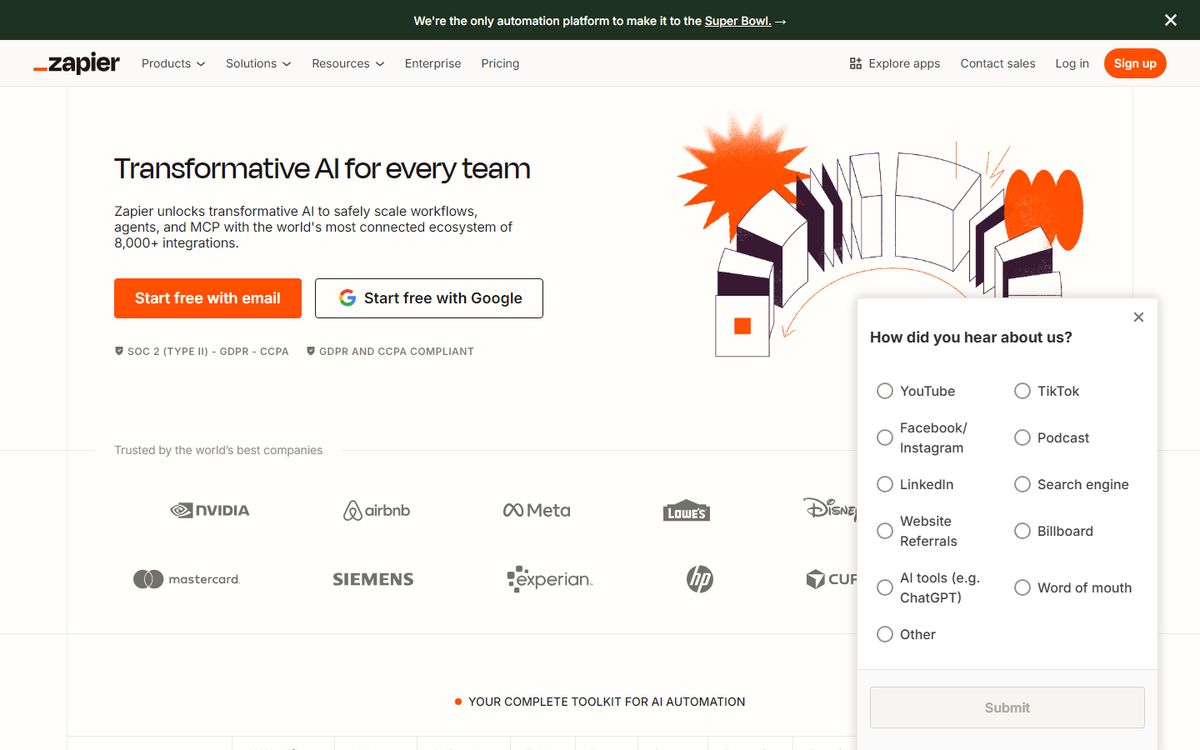
What comparison roundups do differently: Posts like "Zapier vs. Make: Which automation tool is right for you?" from independent blogs (Process Street, Sprout Social, etc.) serve different query intents than vendor comparison pages.
Why they work:
- Real use case guidance: The best roundup comparisons specify which product is better for which use case: "Zapier is better for non-technical users who want simple automation. Make is better for developers who want complex multi-step automation at a lower cost per operation."
- Pricing analysis: Independent reviews are willing to say "Zapier is more expensive than Make for high-volume automation" in a way vendors won't.
- Honest about both limitations: Good roundups criticize both products. Zapier's interface is simpler but more expensive. Make's interface is more powerful but has a learning curve. This balance signals genuine analysis.
The takeaway: Appearing favorably in third-party roundups requires PR effort (reaching out to writers, providing accurate product information) and genuine product quality (reviewers have to actually prefer your product).
10. Loom vs. Vidyard -- Use-Case Comparison
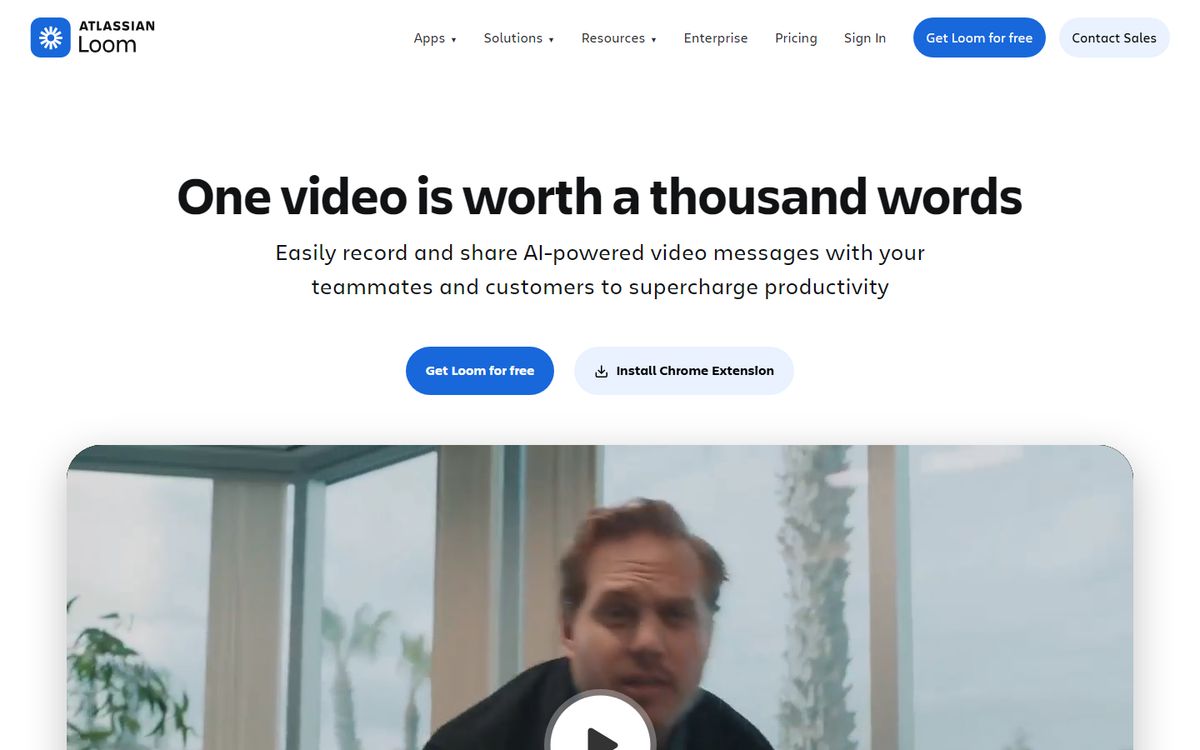
What use-case comparisons do: Rather than comparing two products head-to-head, the most sophisticated comparison content segments by use case: "If you need quick async team communication, use Loom. If you need enterprise video hosting with analytics, consider Vidyard."
Why this approach works:
- Intent matching: Someone searching "Loom vs Vidyard" wants guidance on which to choose, not a feature table that tells them nothing. Use-case guidance directly answers the question.
- Self-selection: A comparison that honestly says "if you're an enterprise sales team with CRM integration needs, Vidyard is better" builds trust with everyone who isn't -- and self-qualifies prospects appropriately.
- Reduced support burden: Customers who chose your product through an honest comparison have more appropriate expectations and churn less.
The Anatomy of a High-Converting Comparison Page
The best comparison pages share a consistent structure:
1. Target query clarity: The title and H1 match exactly what someone searches ("HubSpot vs Salesforce: Which CRM is right for your business?")
2. TL;DR summary box: A quick recommendation at the top ("If you're a small business, HubSpot wins. If you need deep enterprise customization, Salesforce wins.") respects busy readers.
3. Honest competitive assessment: Acknowledge what the competitor does well. This builds trust and pre-empts the reader's "you're obviously biased" reaction.
4. Clear differentiation framework: Identify 3-4 dimensions where your product is genuinely differentiated (not "we have integrations too," but "our onboarding takes hours, not months").
5. Use-case segmentation: Tell readers which product is right for which scenario. Accept that you'll lose some prospects -- you'll earn more trust from everyone else.
6. Social proof from switchers: Customer quotes from people who evaluated both products and chose yours are more credible than any copy you write.
7. Frictionless next step: "Start a free trial" (no credit card) or "See a 10-minute demo" -- not "Contact sales" if you can avoid it.
Further Reading
Frequently Asked Questions
Should you build comparison pages for every competitor?
No. Prioritize competitors that your target customers are actively comparing you against -- you can identify these from sales call notes, win/loss data, and branded search queries in Google Search Console. Start with the 2-3 most common comparison queries and build those pages before expanding.
How often should comparison pages be updated?
When your pricing, features, or competitor's features change significantly. Outdated comparison pages lose credibility fast if prices or features are wrong. Set a quarterly review calendar for your comparison pages -- check that pricing is accurate and features are current.
Is it ethical to name competitors on your comparison pages?
Yes, in most jurisdictions, competitive comparisons based on accurate, factual information are legal and accepted business practice. Be factual, be fair, and don't make claims you can't support. Naming a competitor when comparing your products is standard practice in the B2B software industry.
Do comparison pages affect your brand negatively?
The risk is that comparison pages can make you look defensive or obsessed with competitors. Mitigate this by keeping comparison pages in a clear "Compare" section of your site rather than featuring them on the homepage, and by maintaining a confident, helpful tone rather than an aggressive one.
What's the conversion rate difference between comparison pages and regular blog posts?
Significantly higher. Comparison page visitors are further down the buying journey -- they've identified their category, shortlisted solutions, and are making a final choice. Expected conversion rates of 3-8% for comparison pages vs. 0.5-2% for general content pages are common. The purchase intent of the searcher drives this difference.
Explore More
- 📖 Definition: What Is a Comparison Page?
- 📋 Template: Blog Post Template for B2B SaaS
- 📋 Template: Comparison Post Template (X vs Y)
- 👤 Guide: Content Marketing for B2B SaaS
- ⚔️ Comparison: Averi vs Contently: Content Platform Comparison
- ⚔️ Comparison: Averi vs Copy.ai: Full Comparison for Content Marketers
- 📖 Guide: SaaS Content Marketing: The Complete Guide for 2026
- 📖 Guide: How to Write Landing Page Copy That Converts
Related from our blog
How to Build an AI Content Engine That Grows Your Startup →
Build a system that turns strategy into published content.
The 2026 Startup Content Playbook →
Budget-specific content strategies for every stage.
Content Marketing ROI: Real Numbers from Real Founders →
Actual ROI data from startups investing in content.
From the Averi Blog
Start Your AI Content Engine
Ready to put this into practice? Averi automates the hard parts of content marketing — so you can focus on strategy. Join 1,000+ teams already using Averi.
Related Resources

Comparison Post Template (X vs Y)
Write comparison posts that capture high-intent search traffic. Includes feature matrix template, use-case recommendations, verdict format, and SEO structure.

Competitor Content Analysis Template
Analyze what your competitors are publishing, ranking for, and winning with. Includes content gap identification, topic overlap scoring, and opportunity mapping.

Content Marketing for B2B SaaS
The complete B2B SaaS content marketing playbook. Covers full-funnel content strategy, SEO, thought leadership, case studies, and pipeline attribution.

The Bottom-Funnel Content Playbook: Content That Closes Deals
Most content lives at the top of the funnel. This playbook shows you how to create bottom-funnel content that converts high-intent buyers into customers.

Best SaaS Blog Post Examples (With Analysis)
Study 15 exceptional SaaS blog posts and learn what makes them rank, convert, and engage. Includes structure analysis, SEO breakdown, and takeaways you can steal.

Best Startup Landing Page Examples (With Breakdown)
Study 12 high-converting startup landing pages. Full breakdown of headlines, value props, social proof, CTAs, and design patterns that drive signups.